TP-Link Tether
TP-LINK SYSTEMS INC.
4.7
Detalles de la Versión
| País del Editor | US |
| Fecha de Lanzamiento en el País | 2013-07-23 |
| Categorías | Tools |
| Países / Regiones | US |
| Sitio Web del Desarrollador | TP-LINK SYSTEMS INC. |
| URL de Soporte | TP-LINK SYSTEMS INC. |
| Clasificación de Contenido | Everyone |
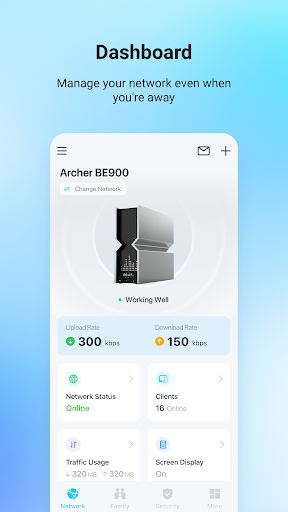
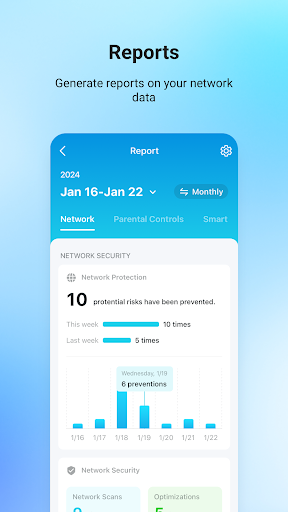
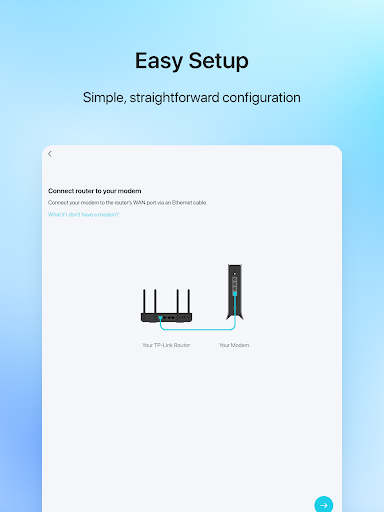
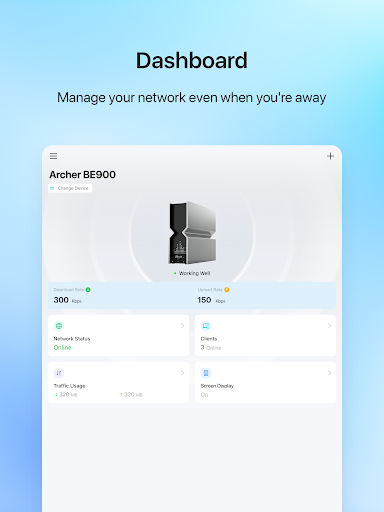
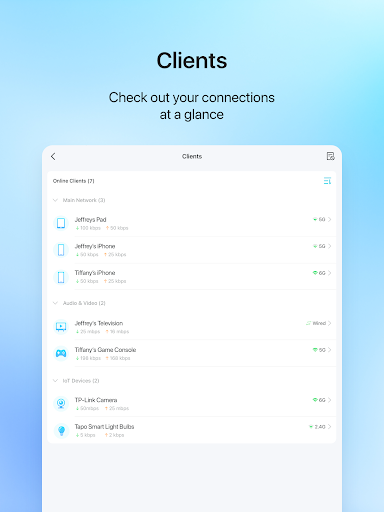
TP-Link Tether provides the easiest way to access and manage your TP-Link Router/ xDSL Router/ Range Extender with your mobile devices. From quick setup to parental controls, Tether provides a simple, intuitive user interface to see your device status, online client devices and their privileges.
- Setup SSID, password and Internet or VDSL/ADSL settings of your devices
- Block unauthorized users who are accessing your devices
- Manage permissions of client devices
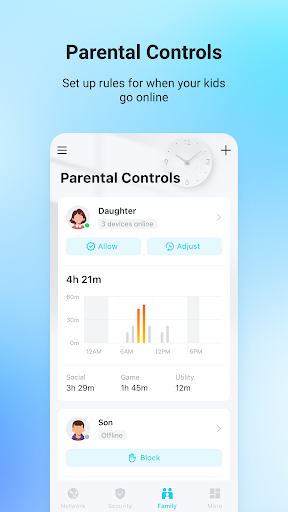
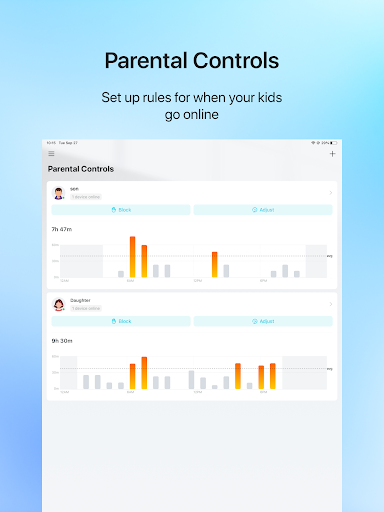
- Parental control function with schedule and URL-based Internet access management
- Find the best location to place your range extender
- Automatically turn off the LEDs at specific time
- Manage most of TP-Link devices simultaneously
Compatible Routers
https://www.tp-link.com/tether/product-list/
*To learn how to find the hardware version of your device, go to http://www.tp-link.com/faq-46.html
More devices supported by Tether are coming soon!
Important Notes
● Upgrade firmware is required. Go to the download page to choose the correct version and download the latest firmware: http://www.tp-link.com/support.html
● TP-Link Tether does not work when connected to guest network
● For any issue, please contact http://www.tp-link.com/support.html
Calificación Promedio
807.74K+
Desglose de Calificaciones
Reseñas Destacadas
Por Clay
2026-01-15
Versión 4.12.124
installation_and_setupperformance_and_bugsserviceRange Extenders in AP mode lose Internet connection. I can get the range extenders connected to the router, but as soon as I switch them from wireless extensions to Access Point mode everything falls apart. The range extenders lose Internet connection. I've set them up countless times, trying many different things, and it leads to the same issue over and over. For $150 - $200 a piece, this setup process is garbage. For that price, it better be flawless. About time I return to get my $600.
Por Jessica Prust
2026-01-11
Versión 4.12.124
logincustomer_supportmonetizationserviceTp-Link what happened to you? At the beginning of this year I had no issues. Now I'm continually having problems. I pay a subscription and it doesn't do what the app says it's doing. It will make me log in 5-6 times and tell me the password I know is right is wrong until I get a popup that I'm locked out- then it lets me in! I continue to have problems with the service I pay for being active in the app. I actually preferred to use this more than any other but now? time for another brand.
Por Brandon Ball
2026-01-08
Versión 4.12.124
feature_requestsupdates_and_maintenancesecurityPassword management is garbage. Update: As of Jan 2026, parental controls have been removed from the app. You can block devices, but option is gone for scheduling device on line times and also no longer records or shows how long a device has been connected. Will be replacing this router with a different brand, which is too bad, since the hardware has been reliable. And password management is still garbage.
Capturas de Pantalla




AD
AD
Aplicaciones Populares